🇰🇷 The ATM Rule I Repeat to Every Visiting Friend Before They Even Land (2026)
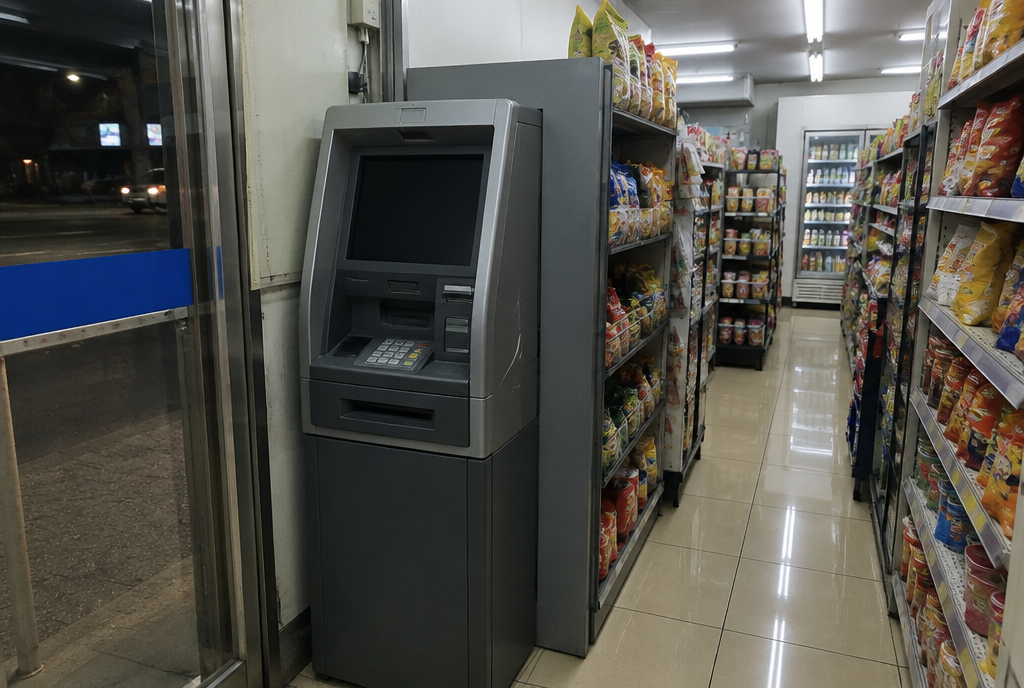
Every time a friend texts me their flight number, I send back the same reply before "welcome" or "can't wait": go to the KEB Hana or Woori machine at arrivals, not the first ATM you see. I've watched it go wrong too many times — someone lands, jet-lagged, walks up to the shiniest bank ATM in the terminal or in Myeongdong, feeds their card in, and gets a flat rejection. No error message that makes sense, just declined, three times in a row, while a line forms behind them.
Here's the part that makes it worse: that ATM they just got rejected from is a real Korean bank, with Visa and Mastercard logos stuck right on the machine. It looks like it should work. It doesn't. And almost nobody explains why before you're standing there re-entering your PIN for the fourth time.
🏧 Why the "Normal" Bank ATMs Say No
Korea's big consumer banks — KB Kookmin, Shinhan, NH Bank, and IBK — run most of their machines on a domestic-only network. The Visa/Mastercard stickers you see on the outside are usually there for the bank's own Korean-issued cards, not for foreign ones. A foreign-issued card hitting one of these machines just gets bounced, and the screen rarely tells you it's a network issue rather than a problem with your card.
This trips up even people who've lived here a while, because the machines aren't hidden away — they're the ones on every other block, inside every subway station entrance, in every bank lobby with the nicest air conditioning.
✅ The Machines That Actually Work
The ones I actually send people to:
- KEB Hana "Global" ATMs — usually marked with a small "Global" or multi-currency sticker, and they're the ones lined up in the arrivals halls at Incheon and Gimpo. These take Visa, Mastercard, UnionPay, and JCB.
- Woori Bank "Global" ATMs — same idea, found at Woori branches and some airport counters.
- Citibank-branded machines, including the ones tucked inside certain GS25 stores that operate as Citibank ATM points.
- Convenience store ATMs inside GS25, CU, and 7-Eleven locations — not every single one accepts foreign cards, but a much higher share of them do than random street-corner bank machines, and they're open 24/7.
If you're not sure, look for an English-language button or a small "Global ATM" decal near the screen. When in doubt, a convenience store ATM is a safer bet than walking into a random bank branch.
💡 Pro tip: Withdraw your first batch of cash at the airport before you even leave the terminal. The Global ATMs at Incheon and Gimpo arrivals are reliable, and it saves you from hunting for a working machine on day one with a dead phone battery and no cash for the airport bus.
💰 What It Actually Costs You
Two separate fees stack on top of each other, and both are worth knowing before you're standing at the machine:
- The Korean ATM operator charges roughly 💰 ₩3,000–₩5,000 (~$2.18–$3.64) per withdrawal, taken out on the spot.
- Your own bank or card issuer usually adds a separate foreign transaction fee of about 1–3% of the amount withdrawn, which shows up later on your statement.
⚠ Note: When the screen asks if you want the transaction "converted" to your home currency right there at the machine, say no and choose KRW instead. That on-the-spot conversion (called Dynamic Currency Conversion, or DCC) almost always uses a worse exchange rate than letting your own bank convert it. This one screen is where most people accidentally lose the most money on the whole trip.
🔢 The Limits Nobody Mentions Until You Hit Them
Per-transaction limits vary by machine, generally landing somewhere between 💰 ₩300,000 (~$218) and ₩700,000 (~$509), and most machines cap your total for the day around 💰 ₩1,000,000 (~$727). That's the machine's ceiling — your own card's daily foreign-withdrawal limit might be lower, and whichever number is smaller wins. If you're planning to pay for something big in cash (a guesthouse deposit, a market purchase), it's worth calling your bank before you fly to raise your daily limit or confirm it covers Korea.
🔑 The PIN Detail That Catches People Off Guard
Most Korean-issued cards use a 4-digit PIN, and most ATMs are built around that. If your home bank issued you a 6-digit PIN, it usually still works, but a friend once stood at a machine convinced their card was broken because the keypad only seemed to want four digits — it processed fine once they just entered the first four and confirmed. It's a small thing, but it's exactly the kind of moment that makes people panic when they're already tired and holding up a line.
🎁 Fun fact: Convenience store ATMs run nearly around the clock, but a few pause for a short overnight maintenance window depending on the store, usually somewhere between 11 p.m. and 1 a.m. If a machine looks powered on but won't respond, that's often why — try the next store instead of assuming your card is the problem.
Once you know which logo to look for, this stops being a Korea problem and turns into a two-minute errand. Grab cash the smart way at the airport, keep an eye out for that "Global" sticker, and you'll spend a lot less of your trip standing at a blinking screen wondering what you did wrong.
For the other everyday mix-ups first-time visitors run into, I've also written about the T-money card mistakes I watch people make, why the "Uber" that shows up isn't actually Uber, and the apps that actually replace Google Maps here.
Illustration generated with AI.


Comments
Post a Comment